JoeIO
A downloadable plugin
JoeIO is an input/output (I/O) style system for level scripting in Unreal (currently 5.7 and up). If you don’t know what that is or means, I have an informative blog post all about it, which explains the implementation of the tool, so do check that out. An I/O system like this is how Valve has done their level scripting from Half-Life 1 to Half-Life Alyx.
With an I/O system, level scripting is done without the use of code, using Inputs and Outputs on each entity. A door might have the inputs Open and Close, and the outputs OnOpen and OnClosed. Entities can then talk to each other like so:
“OnPressed, this Button named ExampleButton targets entities named ExampleDoor using the input Open after a delay of 1s.”
This is preferable to level scripting through code (including Blueprint) for several important reasons.
Several other plugins exist for Unreal that do this. I have been unhappy for them for a few reasons (explored in the blog post), but the biggest is that they don't operate by target name, they operate by actor reference, which loses most of the functionality of an I/O system.
JoeIO has:
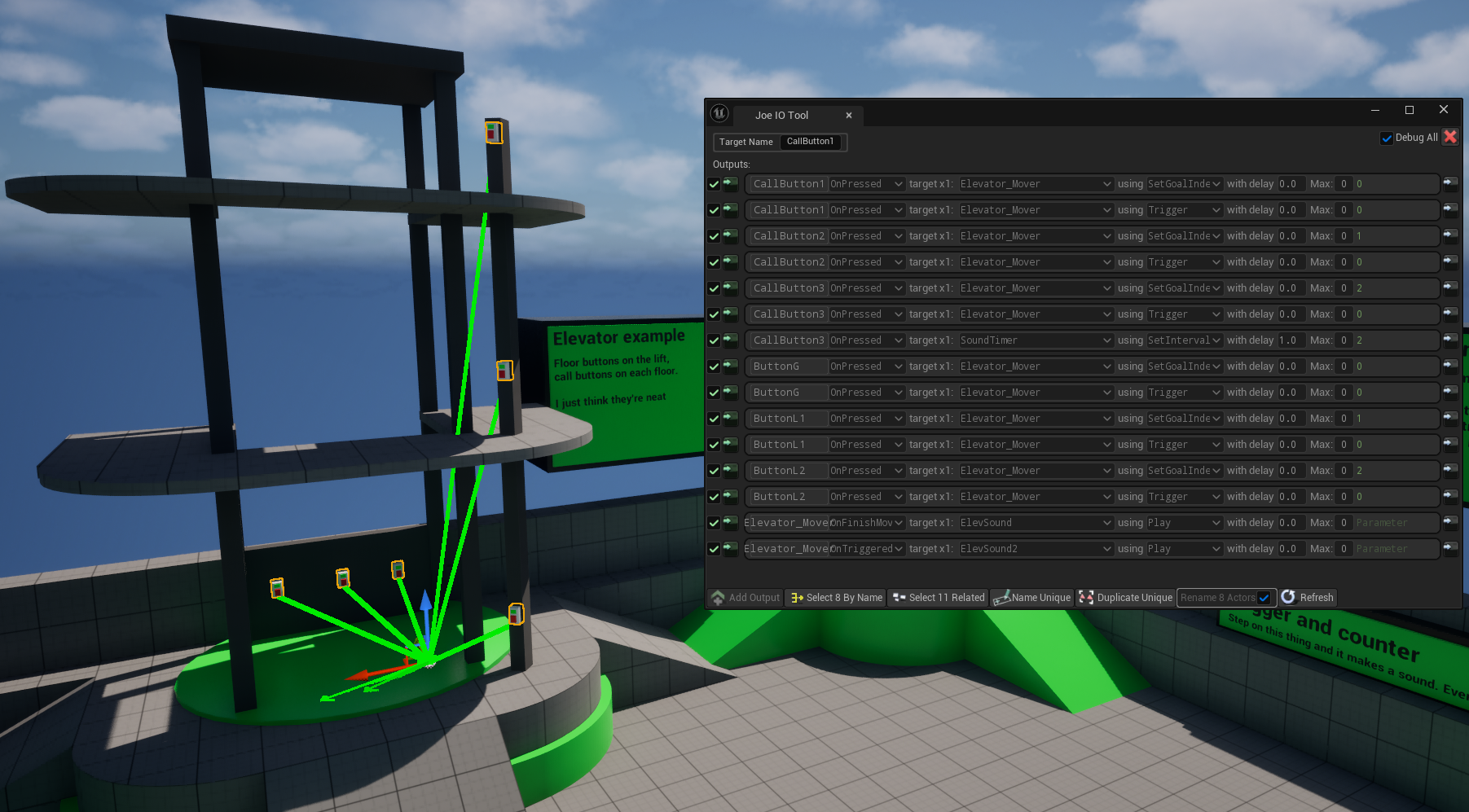
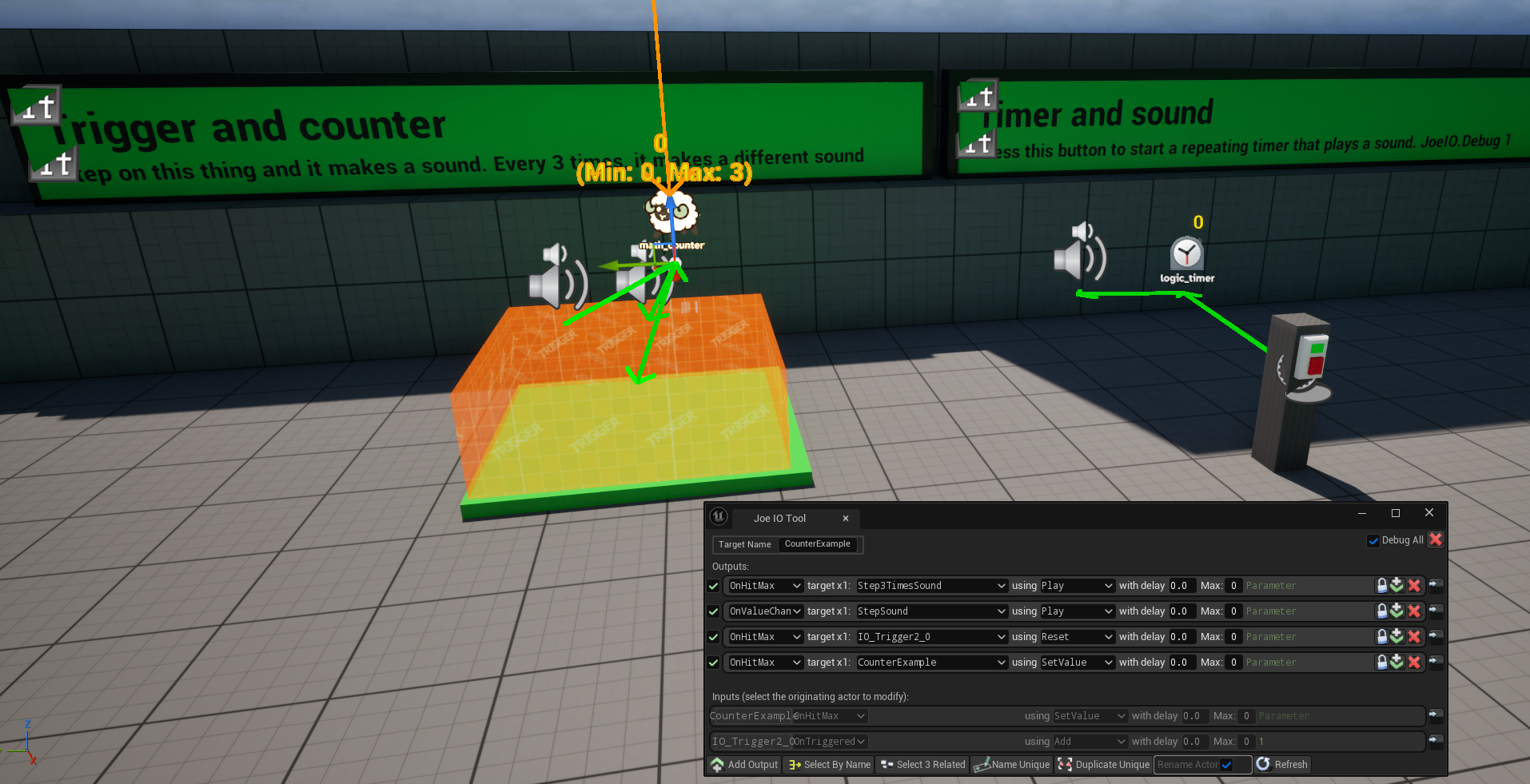
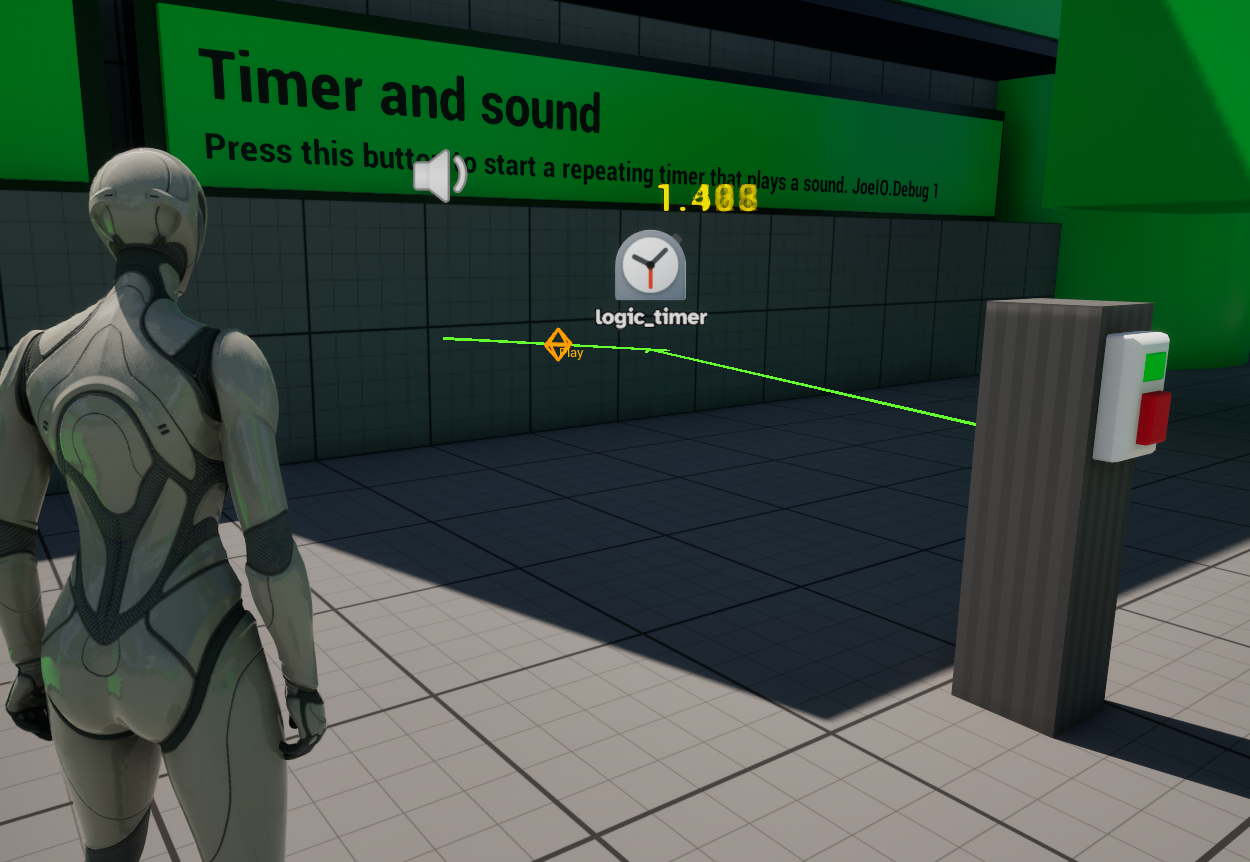
- Debug visualisations both in-editor and ingame - watch your IO events move around. (cvar is JoeIO.Debug 1)
- Inputs and outputs formatted as you'd expect if you've used the Source Engine before
- Address actors by TargetName instead of by reference
- Allows addressing multiple actors as a set
- Allows duplicating sets of actors while (optionally) preserving their relationships
- Allows targeting actors that are not present in the level at editor-time
- Auto rename actors in the outliner to match their TargetName
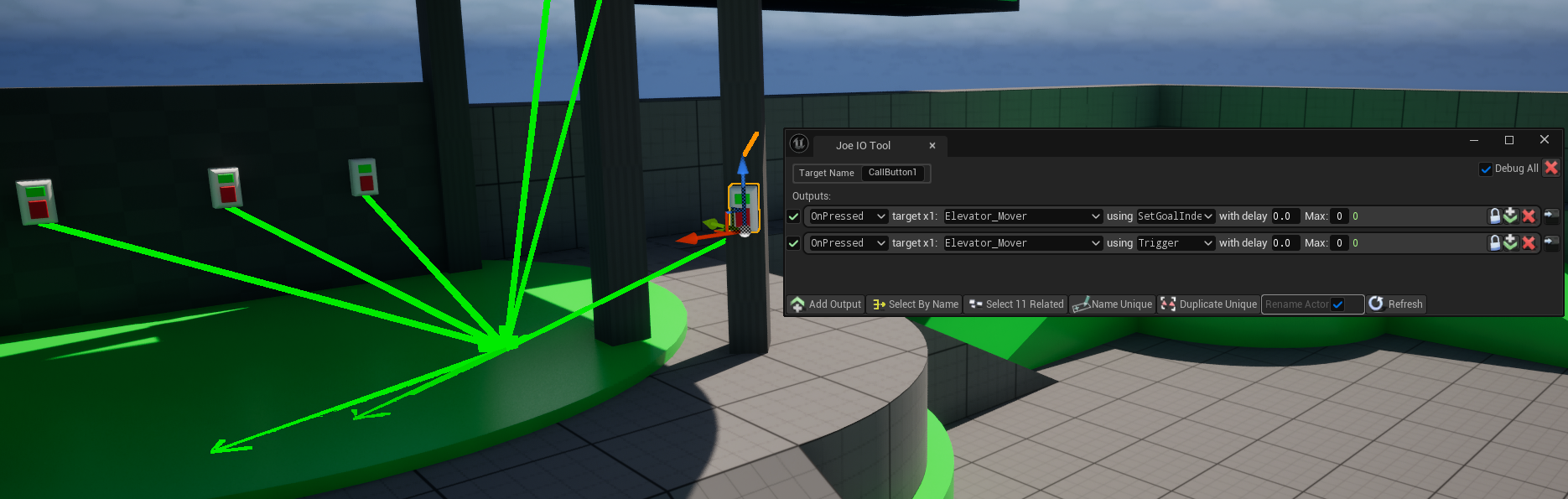
Dropdown menus to target only actors participating in I/O
Dropdowns exposing IO functions on the actors
Ability to pass a basic parameter with a function call
A few basic Source-style I/O logic actors to get you going - Timer, Relay, Counter, Mover, Auto, etc
Easy setup of your own actors to take advantage of I/O
Various UI conveniences - buttons to duplicate an output, select its target(s), bulk-rename actors, select related actors, select actors with same name, etc
UI auto generates a list of all I/O actors for easy placement, including your own
Already being used in multiple games in development
To set up one of your own actors to use JoeIO:
- Make sure your actor implements the interface JoeIOInterface
- Add a JoeIOComponent to your actor
- In that component, fill out the IncomingEvents and OutgoingEvents arrays as appropriate.
- For example, a door might have incoming events Open and Close, and outgoing events OnOpened and OnClosed.
- For each IncomingEvent, make an event or function in your actor with the same name, prefixed IO_. The IO_ prefix only goes on the event or function name, not anywhere else. So if your IncomingEvent is called OpenDoor, the actual event node in Blueprint would be called IO_OpenDoor.
- For each OutgoingEvent, call the IOComponent's TriggerOutputsForEvent function from the appropriate place, with the event name (eg OnDoorOpened).
- Now open IOTool (from the button on the toolbar) and your actor should show up in the list of spawnables.
To use JoeIO to address actors that don't exist at editor-time:
The tool's dropdowns are populated based on the actors present in the level. Sometimes, though, you want to do something to an actor not present in the level, like the player, which won't exist until you start playing, or an enemy that you'll spawn later (maybe from an IO-equipped Spawner actor). To do this, you can use the Unlock button on an output to skip the dropdowns and type your target and function names manually for that output.
If there are names and functions you find yourself having to type a lot (like the player), you can add them to the AlwaysAvailableTargets array in Project Settings, and they'll show up in the dropdowns even though they aren't in the map.
I want to modify this system in some way!
Most of it is Blueprint, including the tool (Editor Utility Widget), so you can do that pretty easily. In Project Settings, you can specify the widget to use for JoeIO, so if you duplicate JoeIOTool you can make your changes in the duplicate and not lose them when you download an update. Obviously do not release a modified version or anything.
The tool is working, but I/O isn't working in my project for some reason!
Ensure that your GameMode has a JoeIOManager component. It should be added automatically by the plugin on game start, but there may be project-specific reasons that isn't working.
Why does the download say "Personal License"?
If you're a company making more than $100k a year, I want you to pay a larger amount. Email me!
Purchase
In order to download this plugin you must purchase it at or above the minimum price of $100 USD. You will get access to the following files:
Development log
Leave a comment
Log in with itch.io to leave a comment.